
Award-Winning and Mom Approved
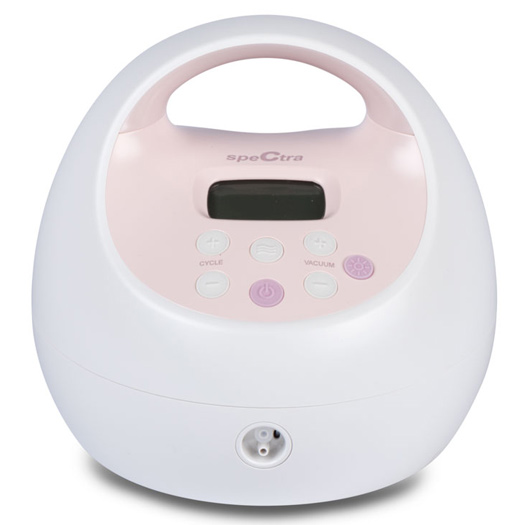
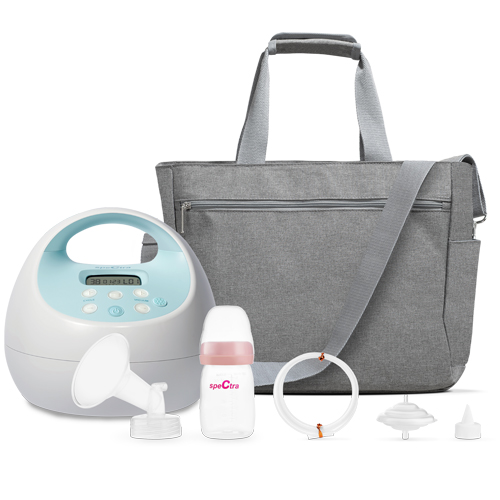
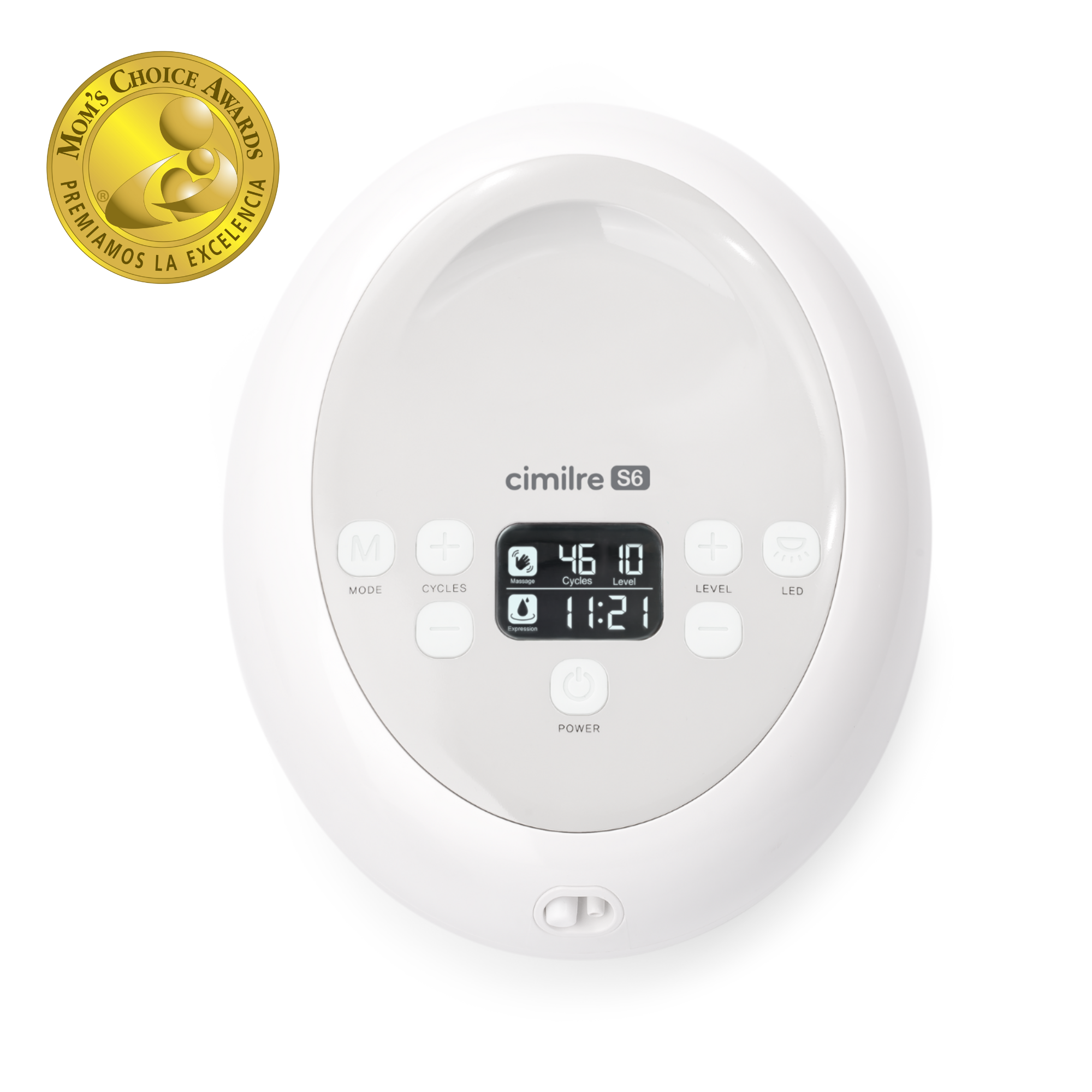
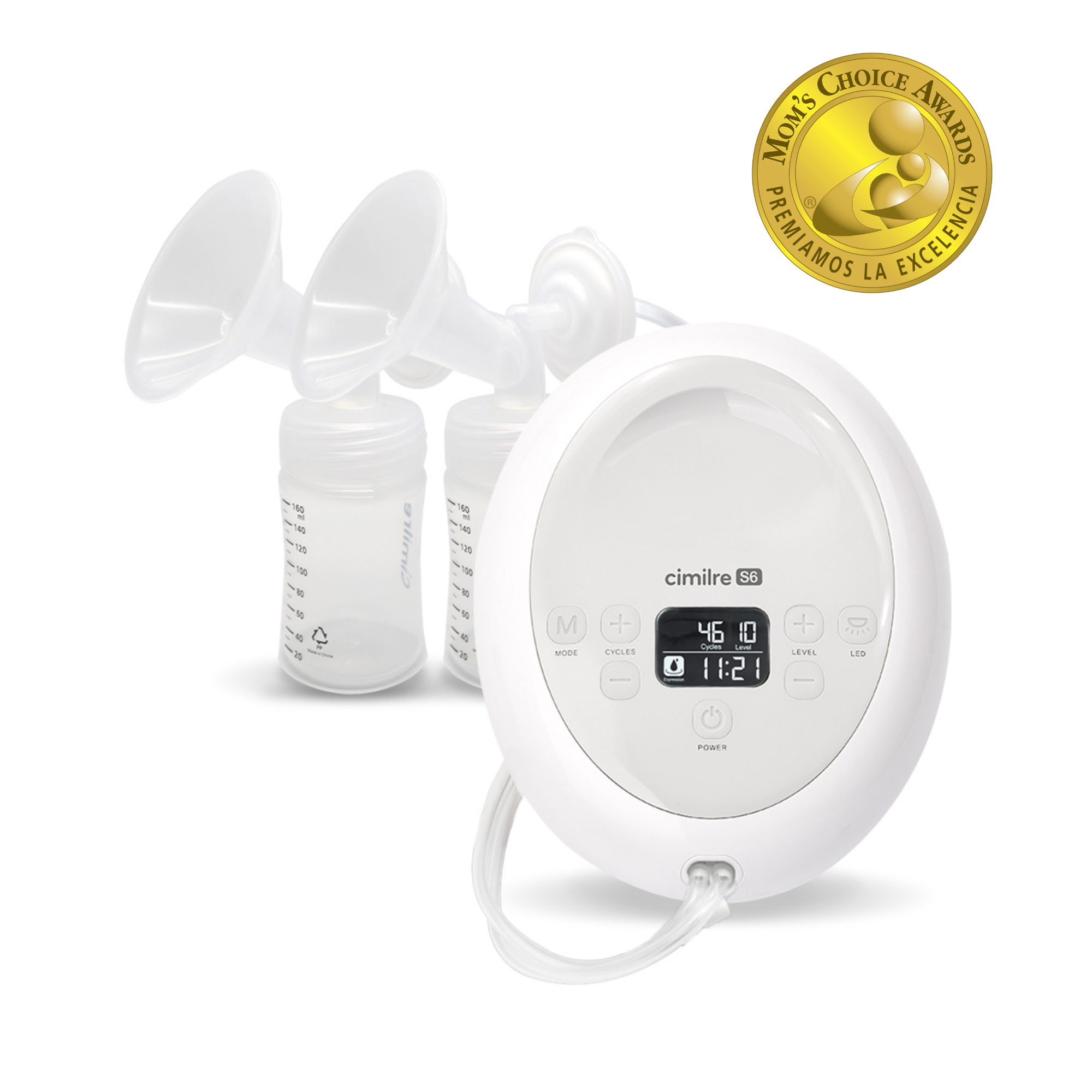
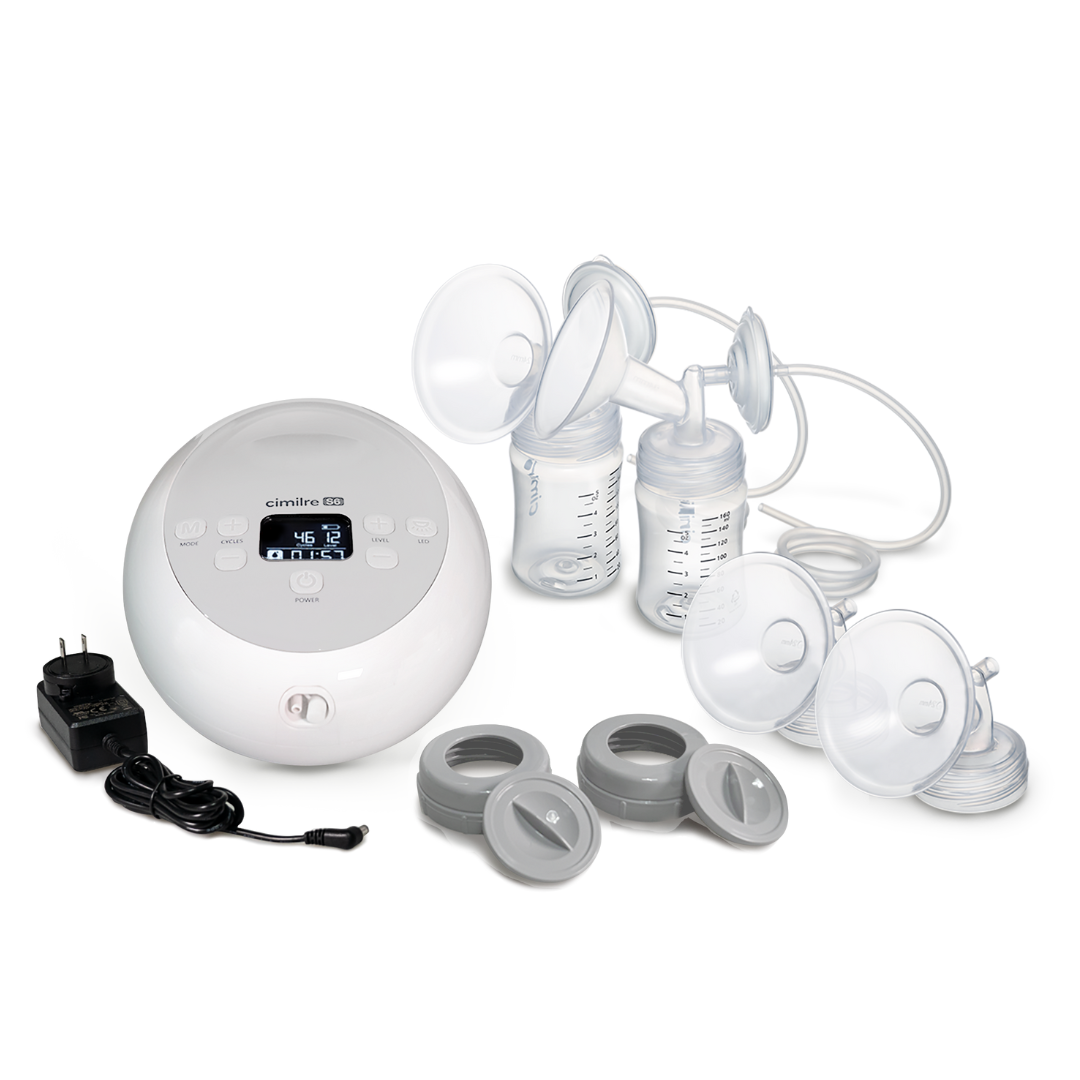
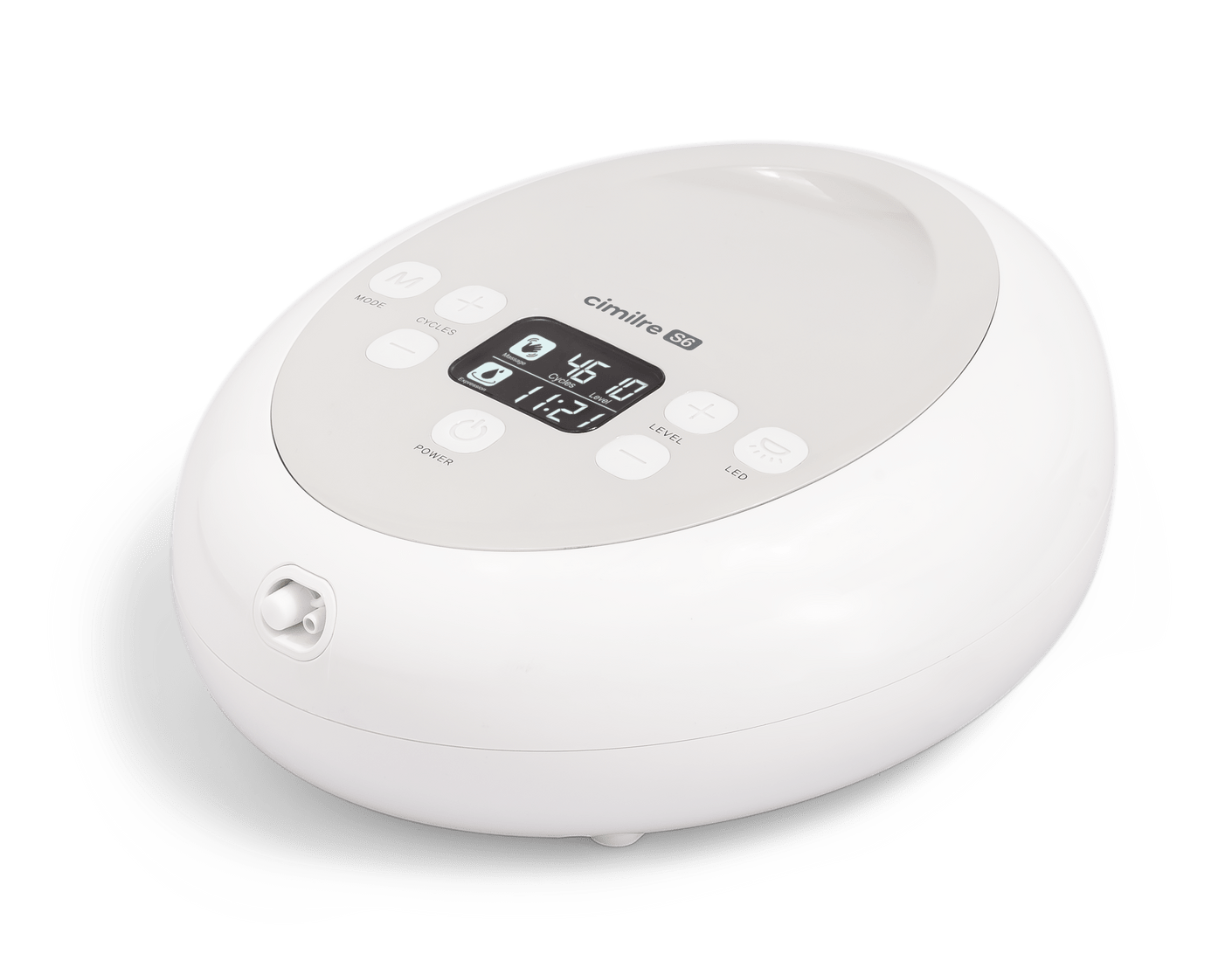
The Cimilre S6 Adjustable Double Electric Breast Pump, winner of the Mom’s Choice Award, delivers hospital strength suction and is designed to give moms a comfortable and truly personalized pumping experience.
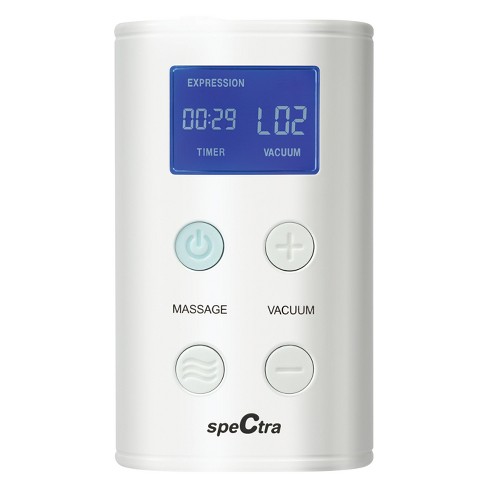
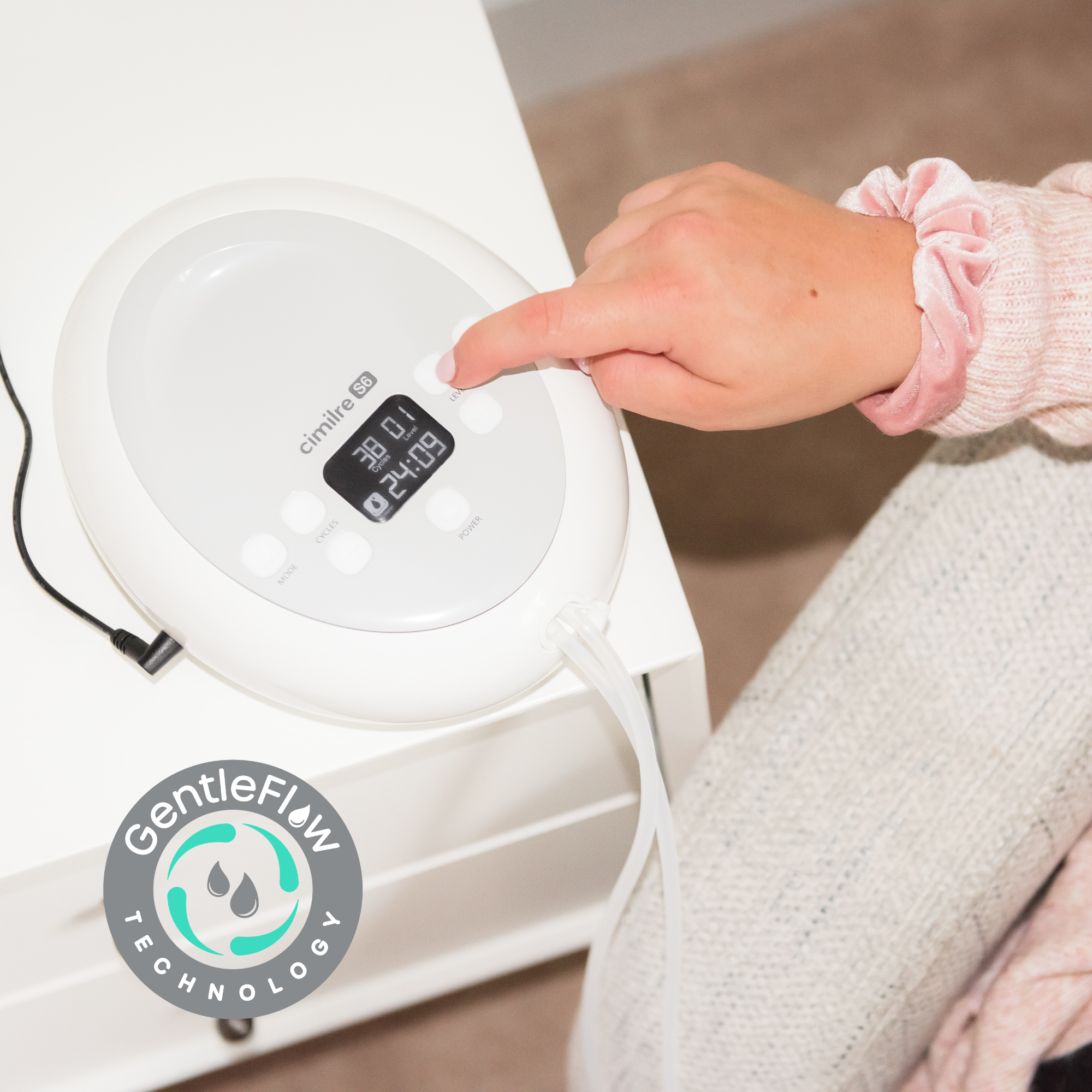
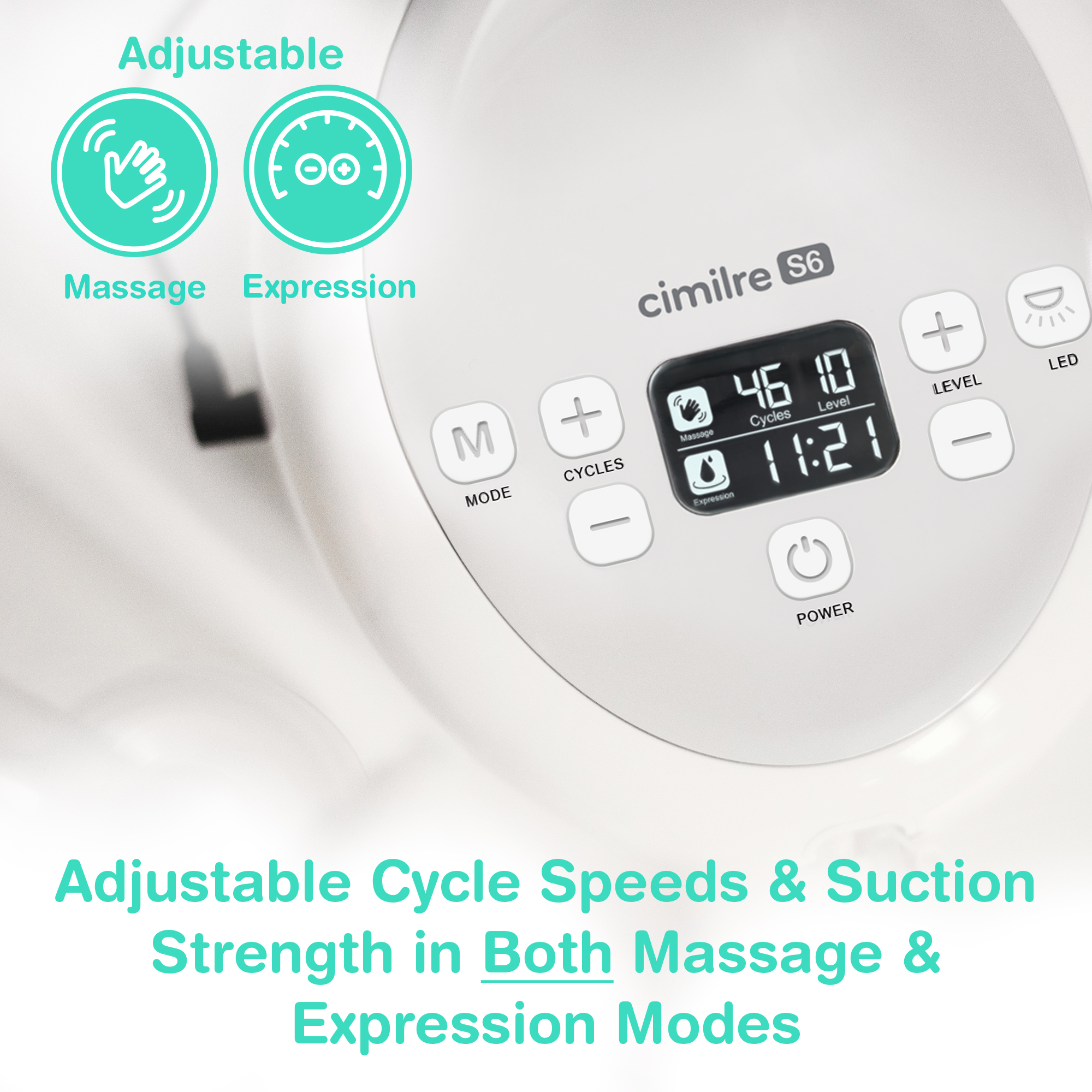
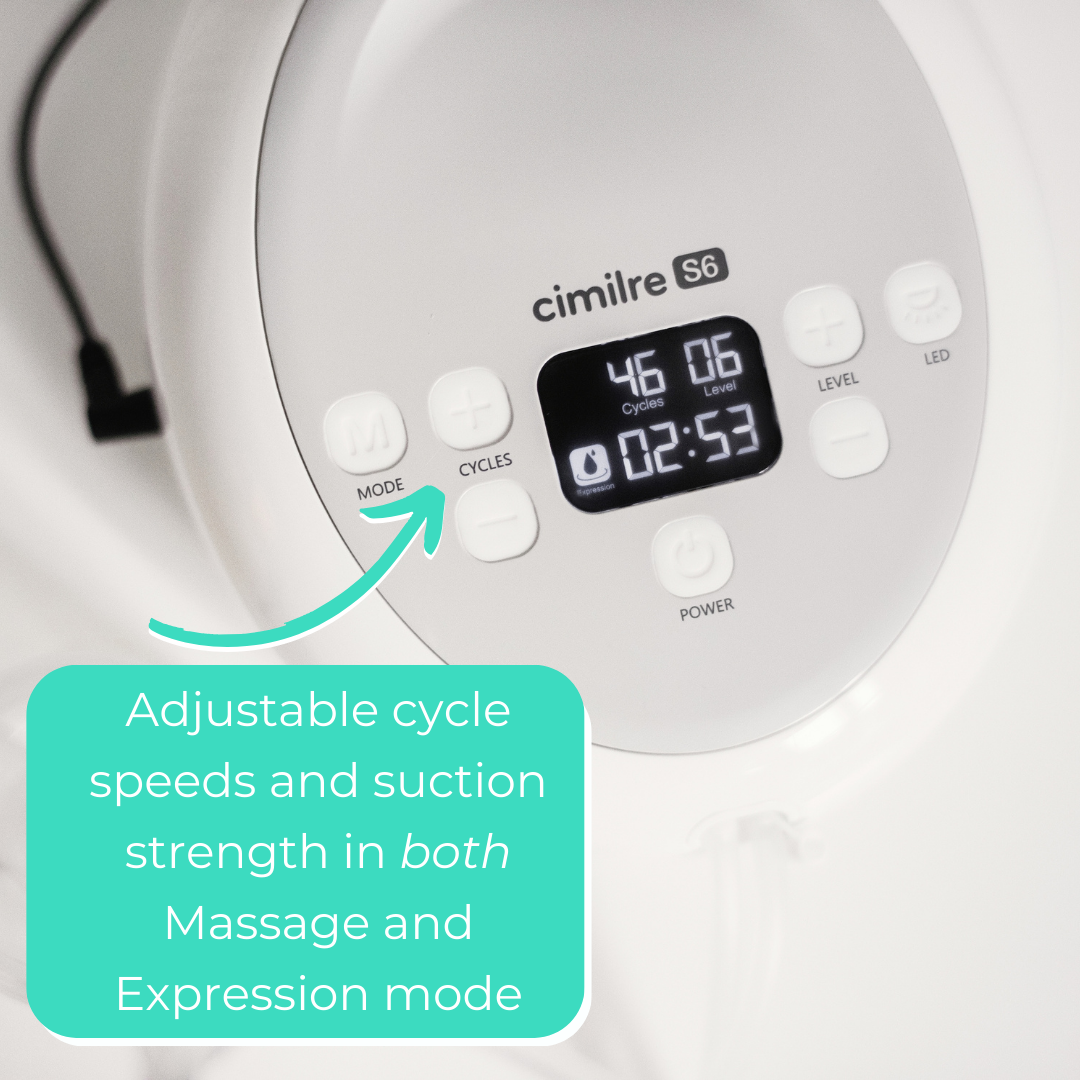
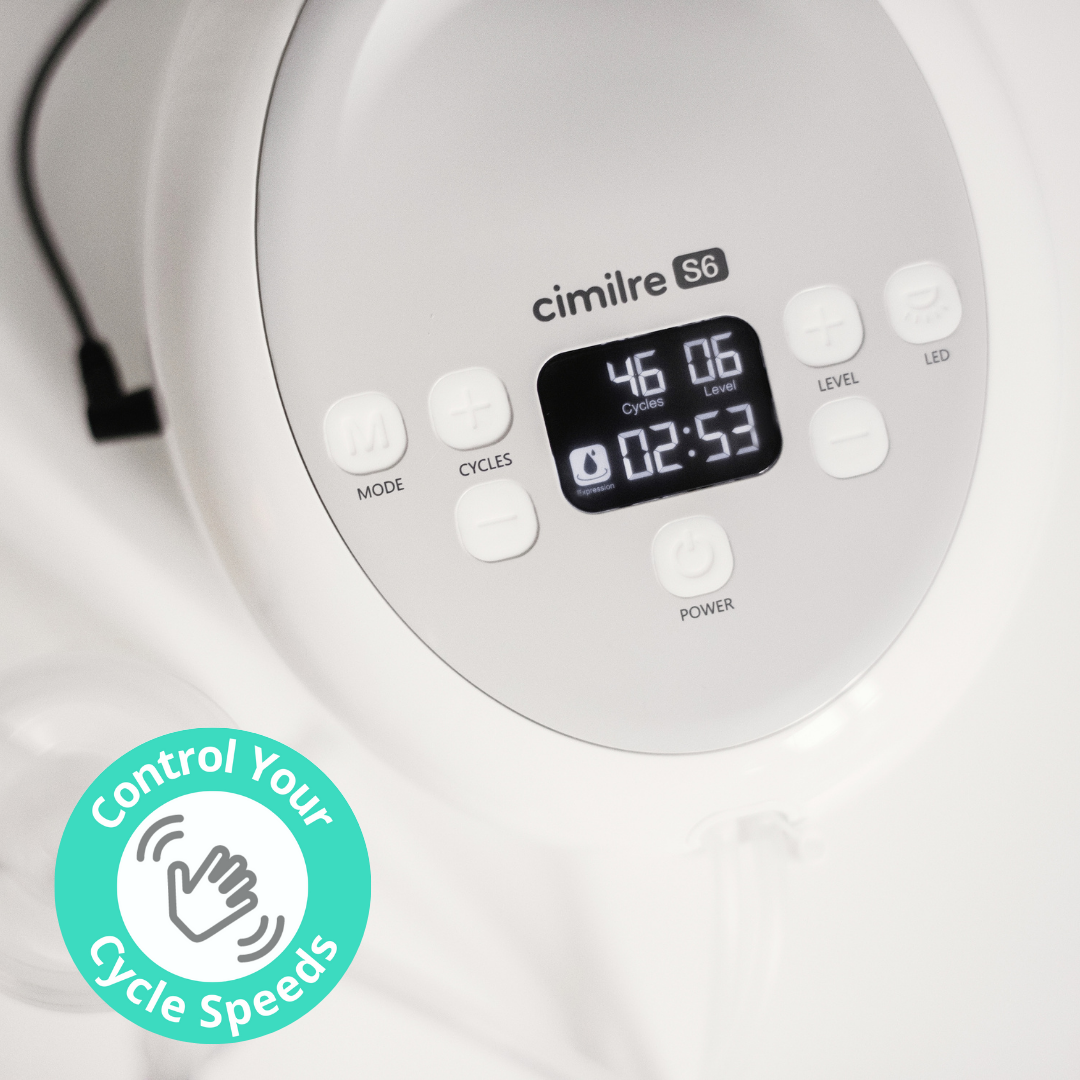
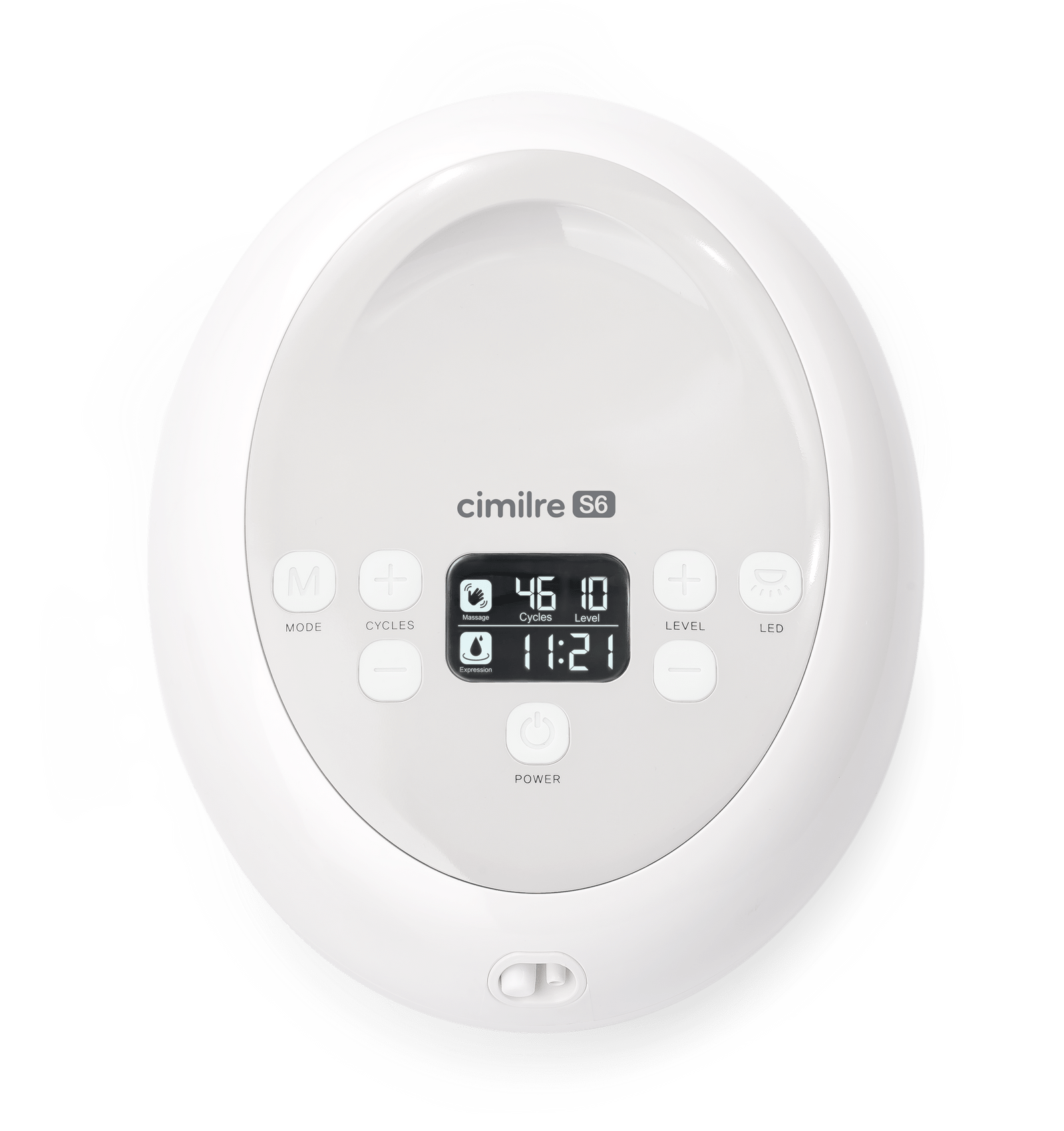
Built with GentleFlow Technology™, the S6 creates smooth, quiet suction, while allowing personalized control of cycle speeds and suction strength in both Massage and Expression Modes for a total of 85, easy-to-use setting combinations. Start your session in Massage Mode to gently stimulate letdown, then switch to Expression Mode at the touch of a button for natural milk flow.
Cimilre S6 User Manual – English
Cimilre S6 User Manual – Spanish
See other breast pumps through insurance you may be eligible for!
$179.99
Why Parents Love the Cimilre S6 Electric Breast Pump:
Get the Right Fit – Choose Your Breast Shield Size
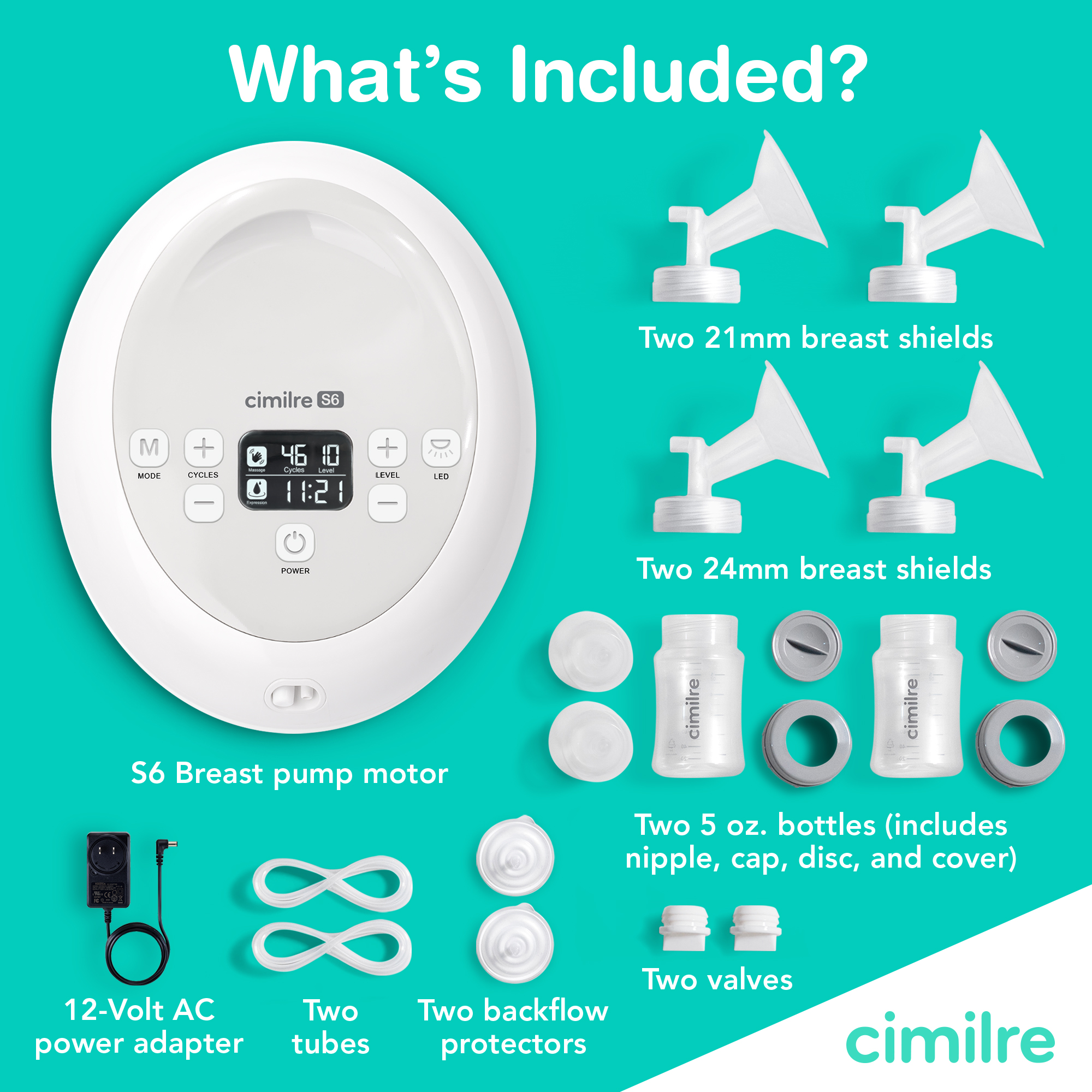
The right breast shield fit is essential for comfort and effective milk expression. Every S6 includes two standard shield sizes, but if those don’t fit, Cimilre’s Get the Right Fit program lets you choose a free breast shield size. With this personalized sizing option, you can ensure every pumping session feels right for your body.
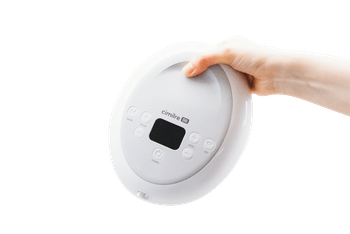
Created with Cimilre’s innovative GentleFlow Technology™, the Cimilre S6 offers a smooth, quiet, and comfortable pumping experience by utilizing a unique motor coupled with precise control over suction levels. Its compact design adds convenience, making it lightweight and easy to transport.
The Cimilre S6 provides customizable pump sessions with adjustable cycle speeds and suction strength in both Massage and Expression modes. With the option to single or double pump, you can begin your pumping session in Massage Mode to gently stimulate milk letdown, and with a touch of a button, transition to Expression Mode to elicit natural milk flow. The S6 boasts a super-quiet motor and a convenient nightlight to support a peaceful pumping experience.
Plus, the S6 pump can be personalized with a pump skin!
Cimilre S6 and S6+ | How to Set Up and Use
Cimilre S6 y S6+ | Cómo configurar y utilizar
Cimlre S6 and S6+ | An Introduction